Linked Documents Manuals
Linked Documents helps teams attach, organize, review, search, and extract information from linked PDF documents inside Excel.
This documentation follows the app's real workflow:
- Open the task pane from Excel.
- Import and organize PDF files.
- Review documents in the viewer.
- Add annotations and comments.
- Create text and table references back into Excel.
- Search across imported files.
- Run repeated form extraction workflows.
Screenshots
Linked Documents Ribbon Commands

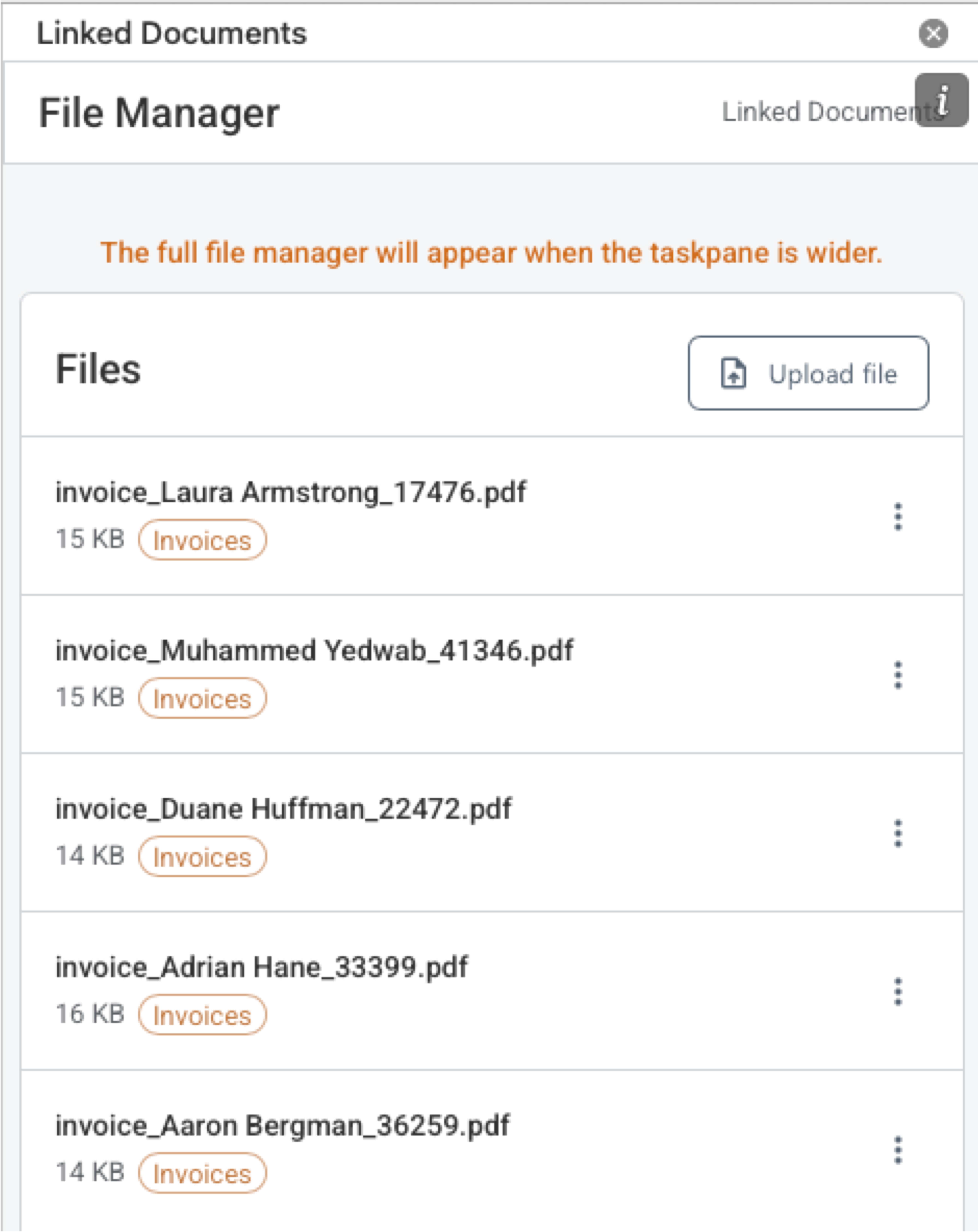
Linked Documents Add-in Pane