Annotation Groups
Annotation Groups let you organize markup by theme, reviewer, or workflow. Each group has a name and color, and selected groups influence how new annotations appear in the viewer and how extracted cells are formatted.
Use annotation groups to organise annotations and references in your documents and workbooks more logically, giving them a more specific meaning. For instance, you could create "OK" (green) and "Error" (red) groups to categorise review comments as either accepted or rejected. You can also create a group for each product type, organisation, and so on.
Screenshots
Annotation Groups Ribbon Command
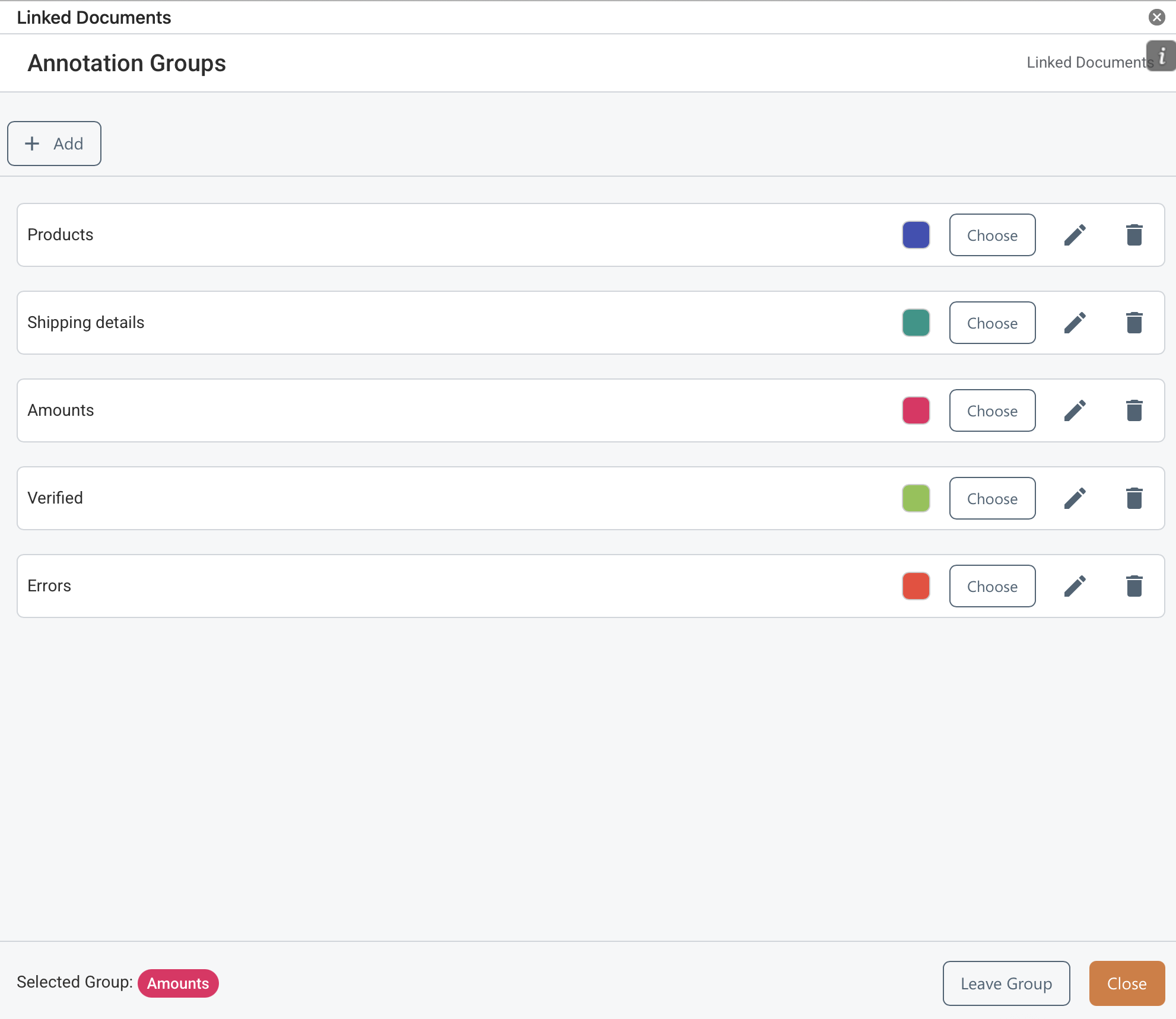
Example of Annotation Groups Maintained in Workbook
Use this view to create, update and choose annotation groups. The currently chosen group will be applied to all annotations and references created in PDF documents.
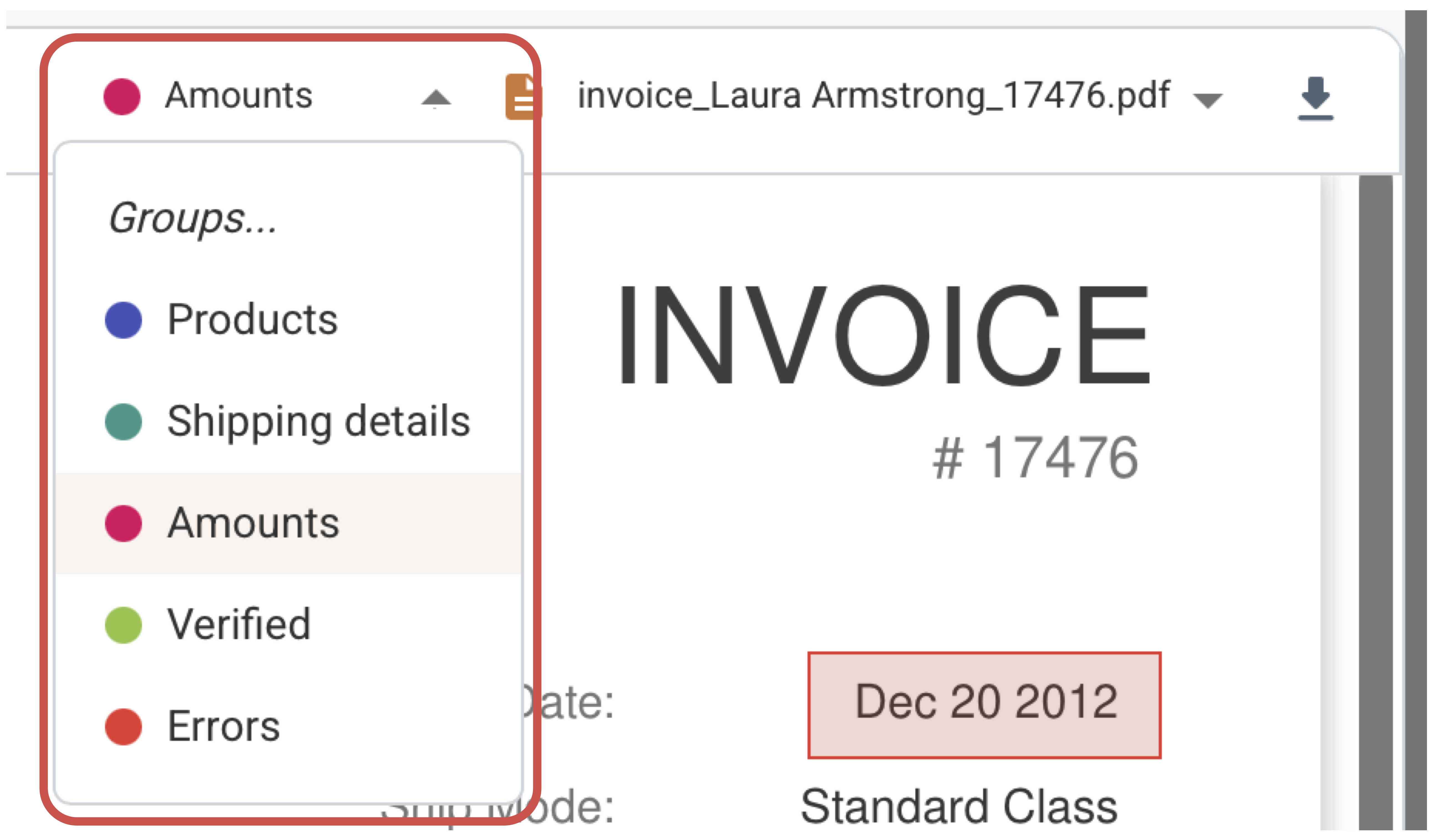
Annotation Groups Panel in PDF Viewer
Use this panel to choose an annotation group to apply to placed annotations and comments, eliminating the need to access the 'Annotation Groups' view.
How It Works
- Open Annotation Groups from the ribbon or task pane.
- Add a new group, rename it, or choose a color that matches your review process.
- Select the active group in the viewer before drawing annotations or extracting content.
- To deactivate the selected group, either select 'Groups...' from the 'Annotation Group' drop-down list in the PDF Viewer or press the 'Leave' button in the 'Annotation Groups' view.
What To Keep In Mind
- Groups help separate review passes such as legal, pricing, design, or QA.
- When a group color is active, extracted cells can inherit matching border and fill styling in Excel.