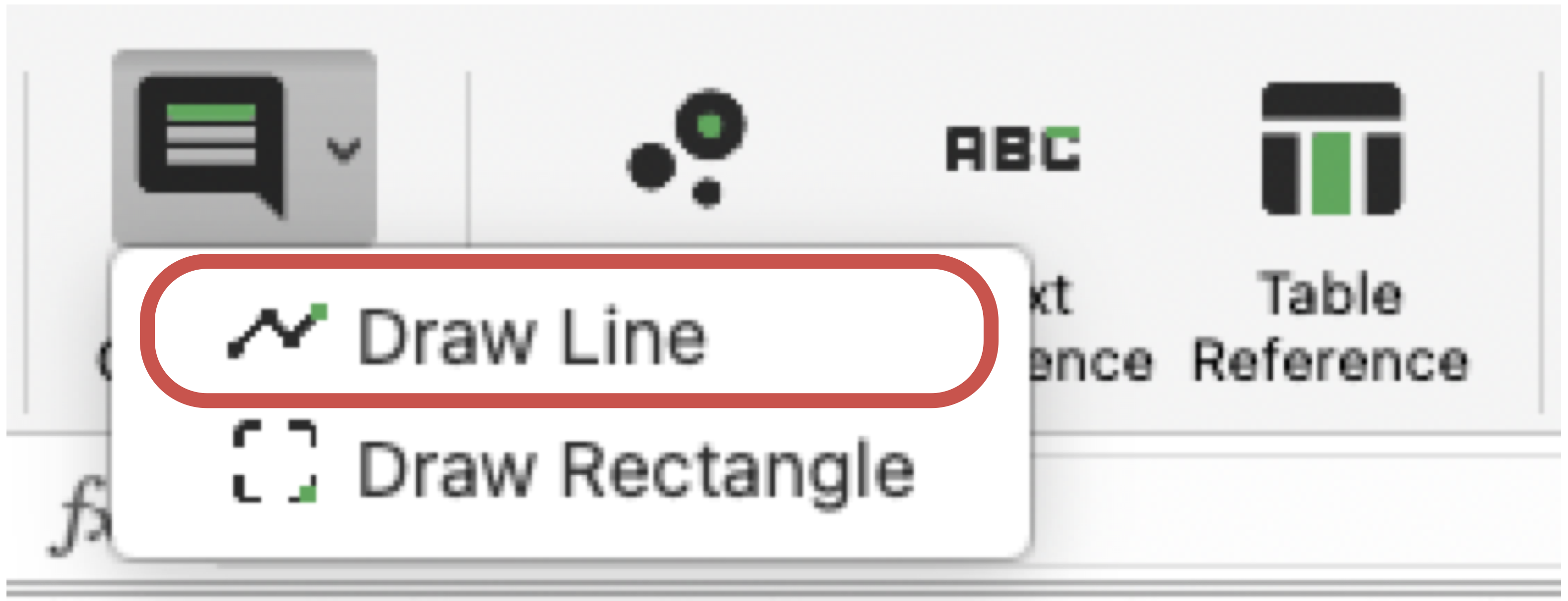
Draw Line
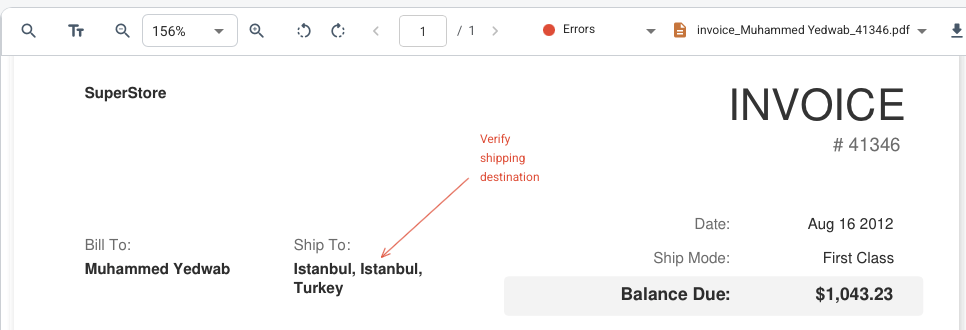
The line tool is part of the comment and annotation toolset. It creates visual line markings on top of the PDF. This is useful for highlighting clauses, underlining areas of concern or adding directional review notes, all without having to extract anything into Excel.
Draw Line Ribbon Command
Example of Line Annotation in the Viewer
How It Works
- Open the target PDF in the viewer.
- Launch the Draw Line command from the ribbon or viewer workflow.
- Click once to place the start point and click again to finish the line.
- Select the line and add a comment. Use the 'Callout' button that appears next to the line. After placing it, move the text to the desired location.
What To Keep In Mind
- Lines are saved as annotations and can be used in comment workflows.
- If a group is selected, the line adopts that group border and background color for easier visual organization.
- To delete a line, select it in the viewer, then press the 'Delete' button (the bin icon).