Importing Files
Imported files are stored in the Excel workbook. You can select one or multiple files in one pass, and the toolbar processes them into the workbook-backed file store so they are available to search, annotate, and extract from later.
Import Files Command
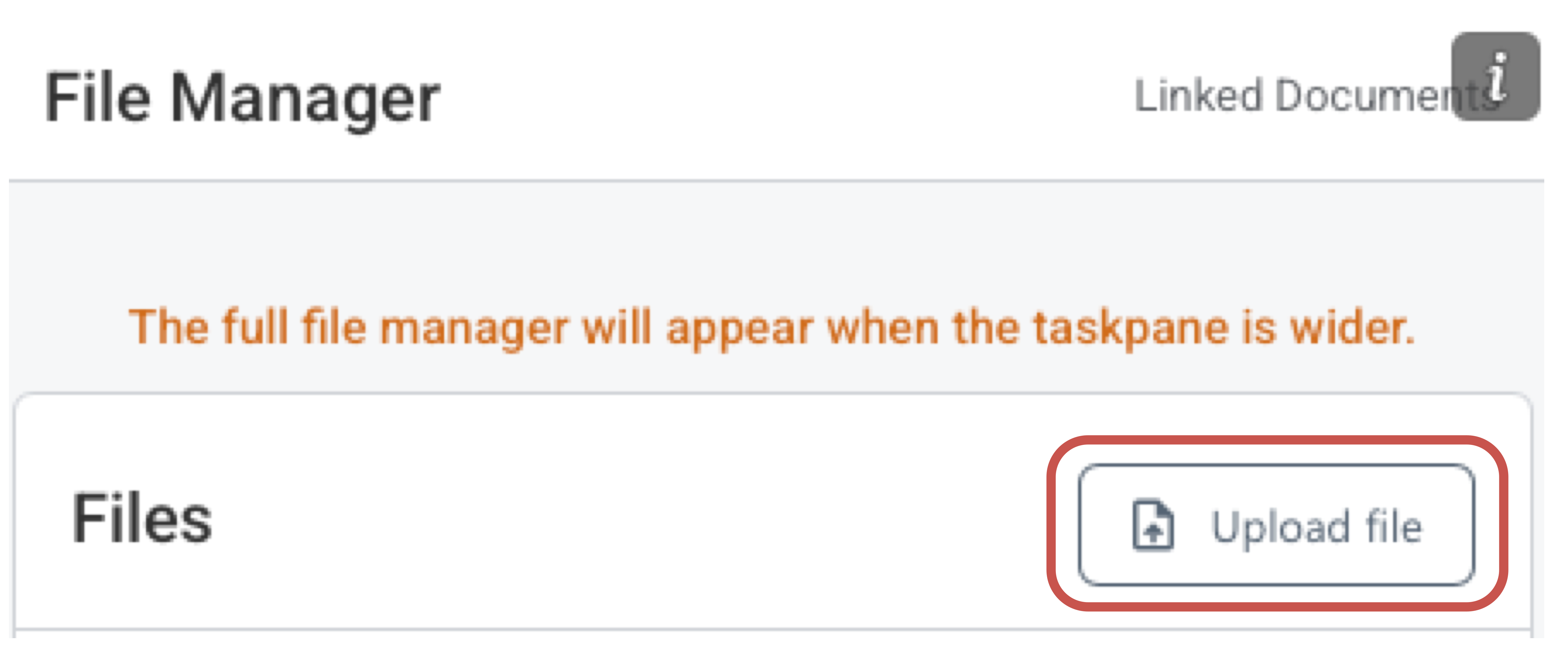
This command is available in the File Manager view (both compact and full)
How It Works
- Open the File Manager toolbar and choose Import file.
- Select one or more PDF files from your device.
- Wait for the import indicator to finish before opening the files in the viewer.
What To Keep In Mind
- Non-PDF files are skipped during import.
- If a folder in the File Manager is selected, imported files will be stored in the currently selected folder, ensuring they land in the right place immediately.
- To import files to the top level of the File Manager, simply click on the white space outside any folders.