Comment Text Editing
Use the Comment Text Edit command when you need to edit or refine the note attached to an existing annotation. The edit dialog lets you update the comment body without recreating the annotation itself.
Edit Comment Text
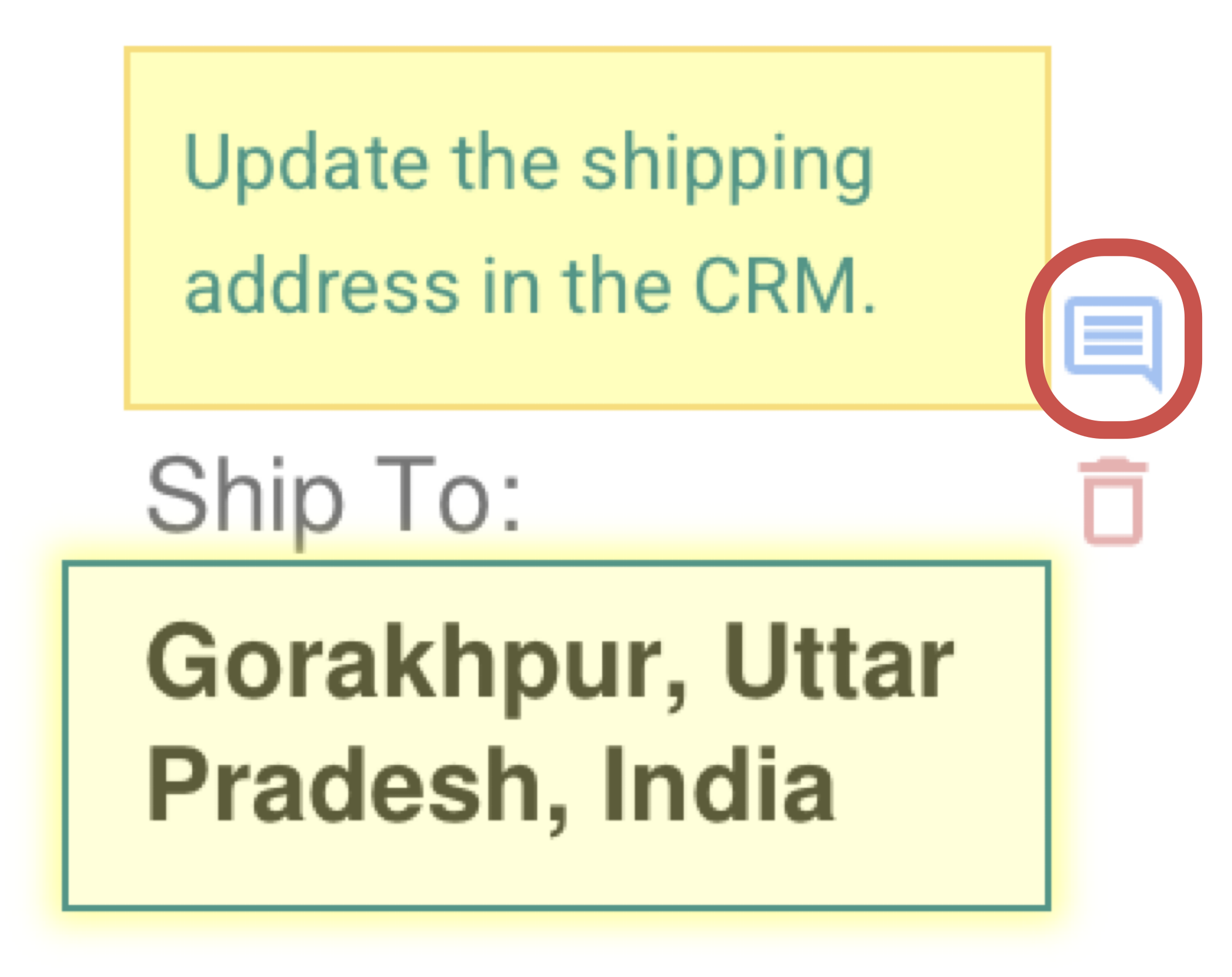
Comment Editing Dialog
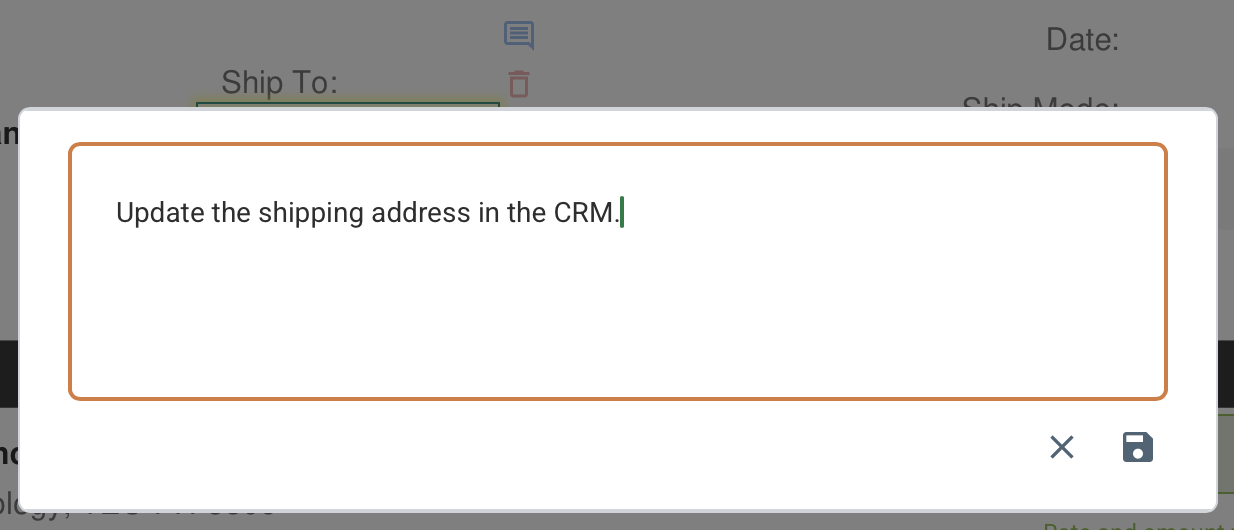
Comment Text Updated
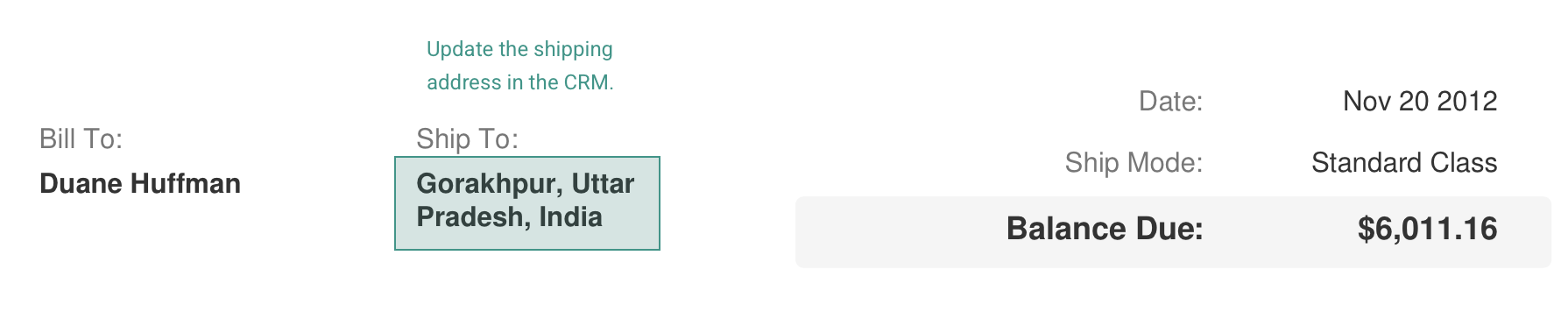
How It Works
- Select an existing annotation in the viewer.
- Open the comment editor from the annotation controls (use the Callout button).
- Revise the text and save the updated comment.
What To Keep In Mind
- This is ideal when review wording changes but the markup location should stay the same.
- Both line and rectangle annotations support comment editing.