Delete Comments
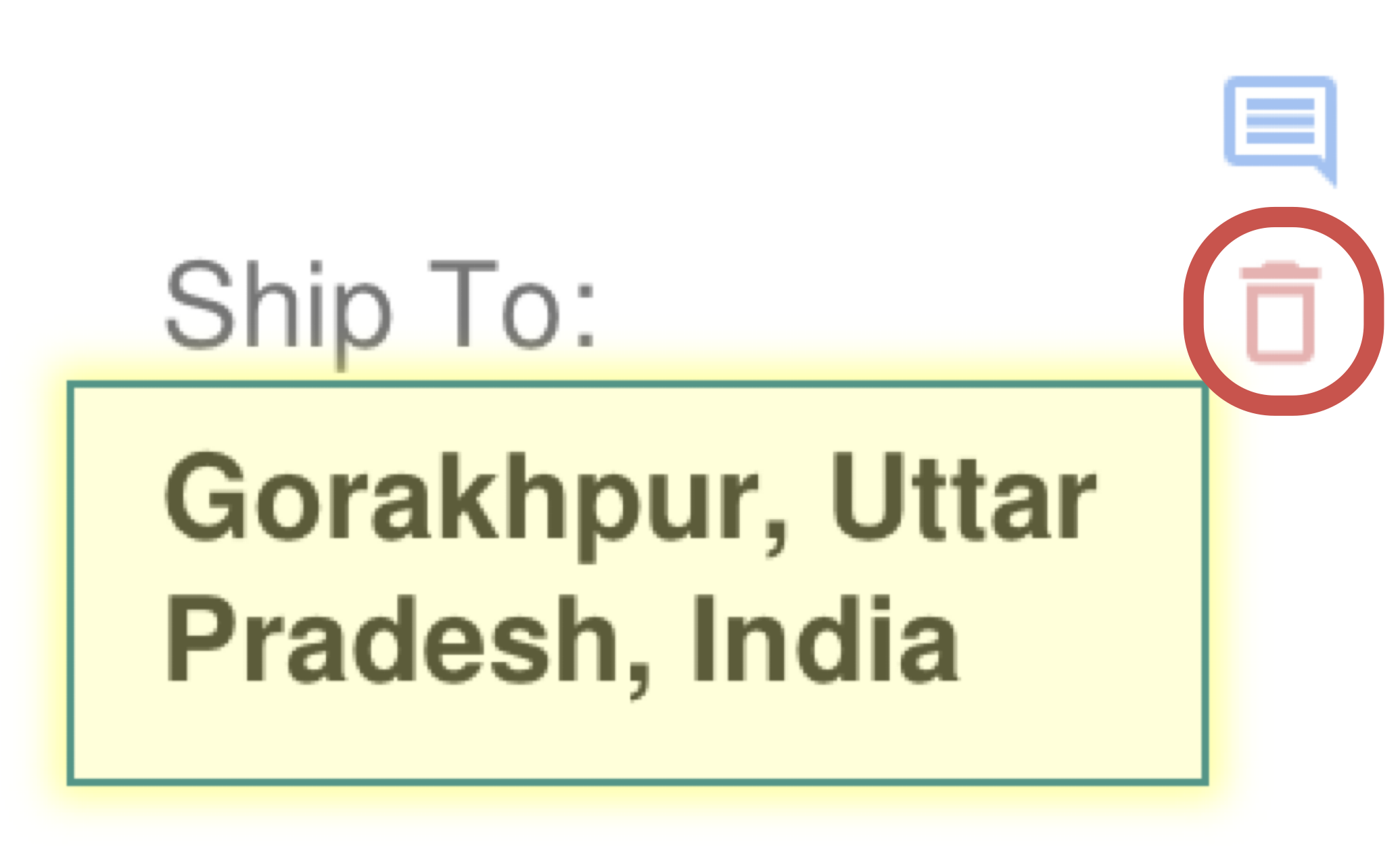
The annotation delete control removes the underlying markup and any comment stored with it. Use it to clean up obsolete review notes, incorrect highlights, or superseded markups.
Delete Annotation (Comment) Command
The 'Delete annotation' icon button appears when a text or table reference is selected in the document.
How It Works
- Select the annotation you want to remove.
- Choose the delete control on the annotation overlay.
- Confirm the deletion to remove the markup from the current file.
What To Keep In Mind
- Deleting the annotation also removes its attached comment because the comment is stored on the annotation record.
- If the annotation represented a worksheet reference, revisit the related cell workflow after deletion.