Draw Rectangle
The Rectangle tool is used to highlight a region on the page. This is the basic shape used for review markups to indicate regions of a document that require attention.
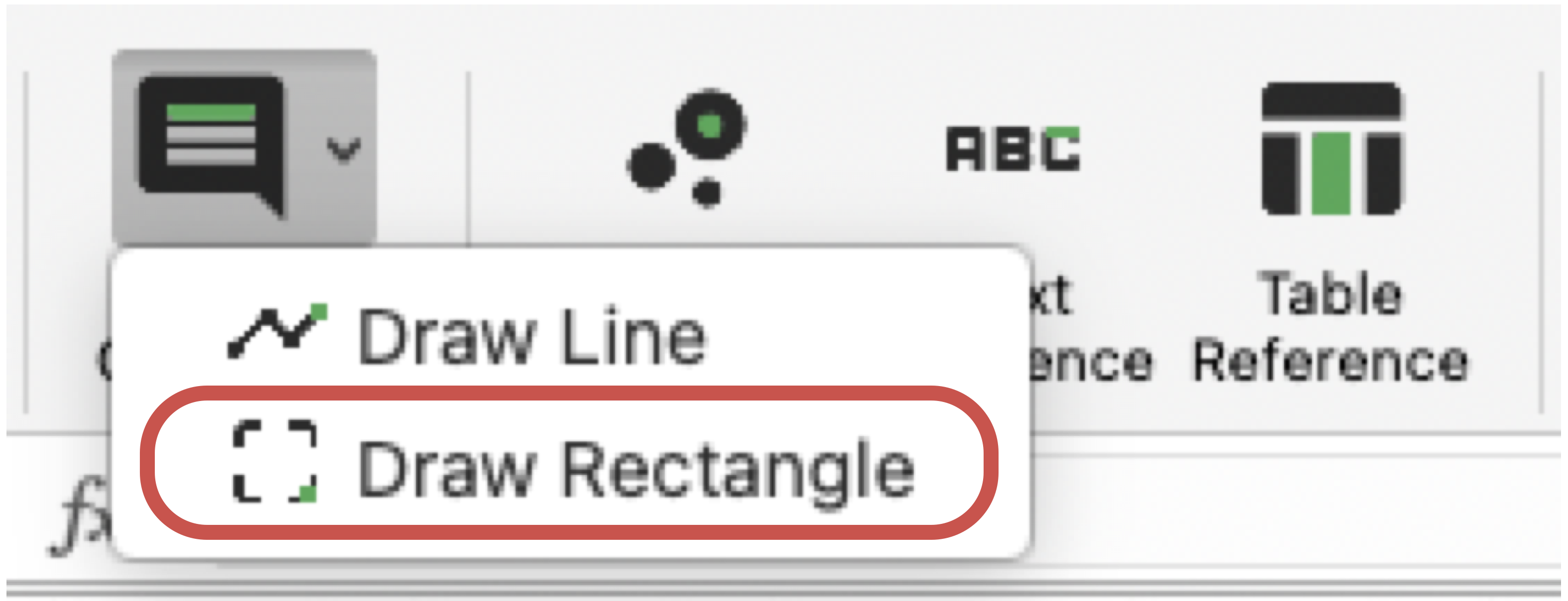
Draw Rectangle Ribbon Command
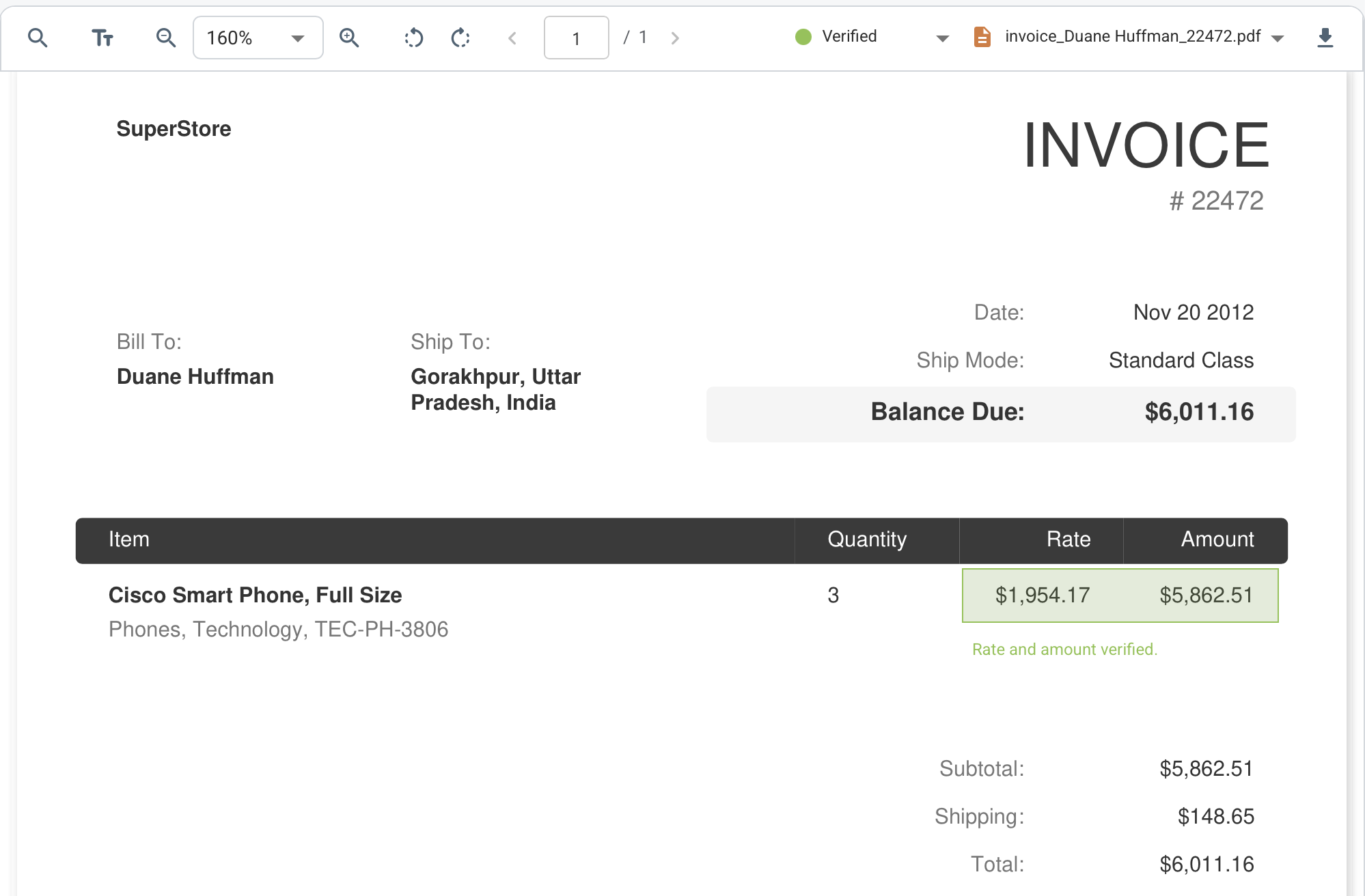
Rectangle Annotation in the Viewer
Example of Rectangle Annotation in the Viewer
How It Works
- Open a PDF file in the viewer.
- Select the Rectangle tool from the Add Comments ribbon command and draw a region by clicking once to start and once to finish.
- Select the rectangle and add a comment. Use the 'Callout' button that appears next to the rectangle. After placing it, move the text to the desired location.
What To Keep In Mind
- Rectangles are saved as annotations and can be used in comment workflows.
- If a group is selected, the rectangle adopts that group border and background color for easier visual organization.
- To delete a rectangle, select it in the viewer, then press the 'Delete' button (the bin icon).