Delete Reference
To remove a reference, delete the annotation from the document. Deleting a linked annotation removes the stored reference from the workbook. The reference output in the workbook ceel/range needs to be cleaned up manually by removing the cell/range contents that were linked to the deleted reference.
Delete Reference Command
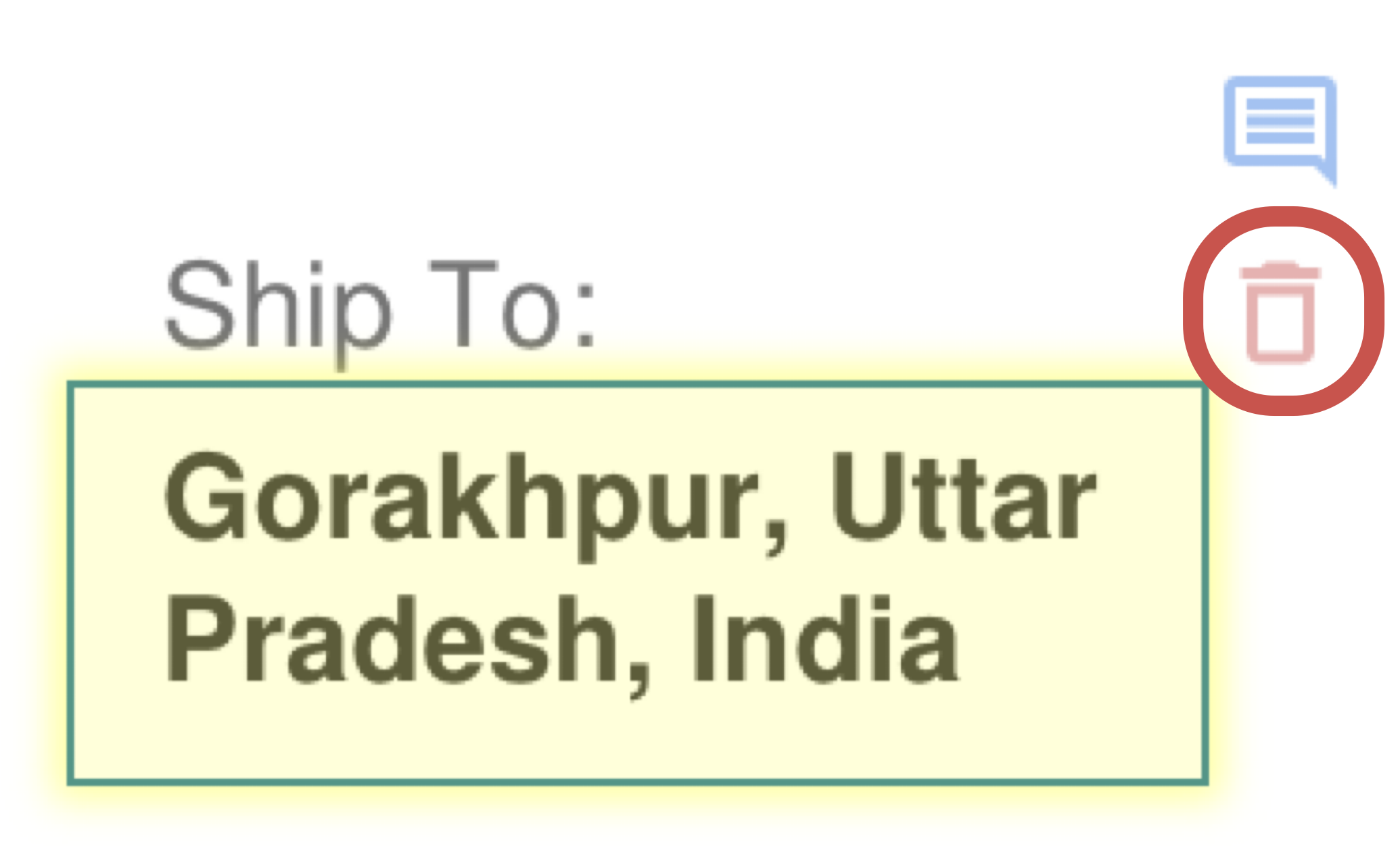
The 'Delete reference' icon button appears when a text or table reference is selected in the document.
How It Works
- Locate the linked annotation in the viewer by selecting the referenced cell or browsing the document.
- Delete the annotation from the viewer when the reference is no longer needed.
- Review the related worksheet cells and update or clear any spreadsheet values that depended on the deleted link.
What To Keep In Mind
- If the workbook still contains extracted values, remove or replace them after deleting the reference from the document in the PDF viewer. It is preferable to remove the whole cell/range rather than just clearing the cell/range value, as this ensures that the reference along with any additional cached details are fully deleted.